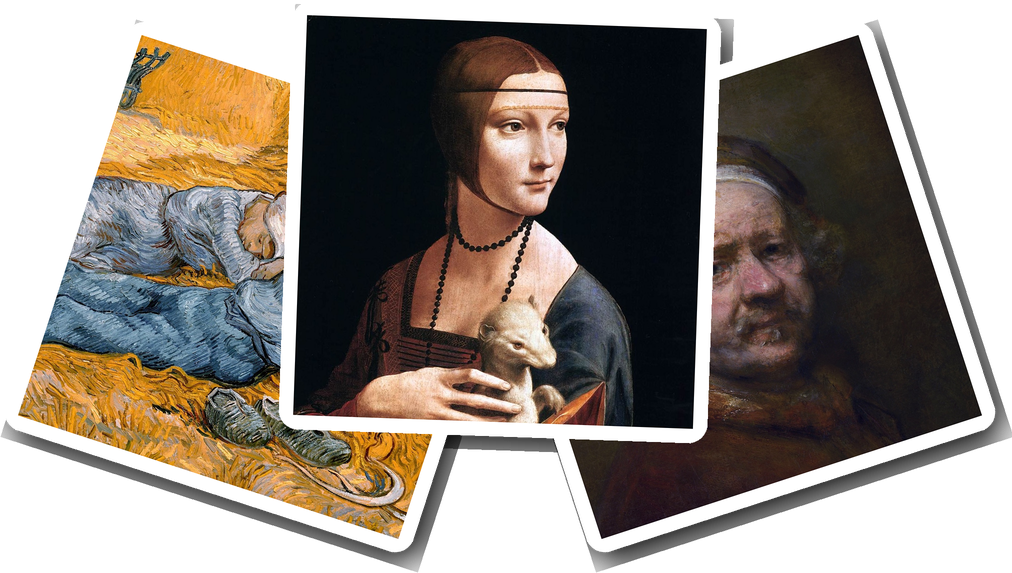
Do you love the great masters? Do you have artwork as your wallpaper? We built ArtFetcher for you. It searches the free-to-download collections of museums and cultural-heritage sites around the world, and fetches high-resolution versions for you to keep.
Every image it saves is in the public domain.
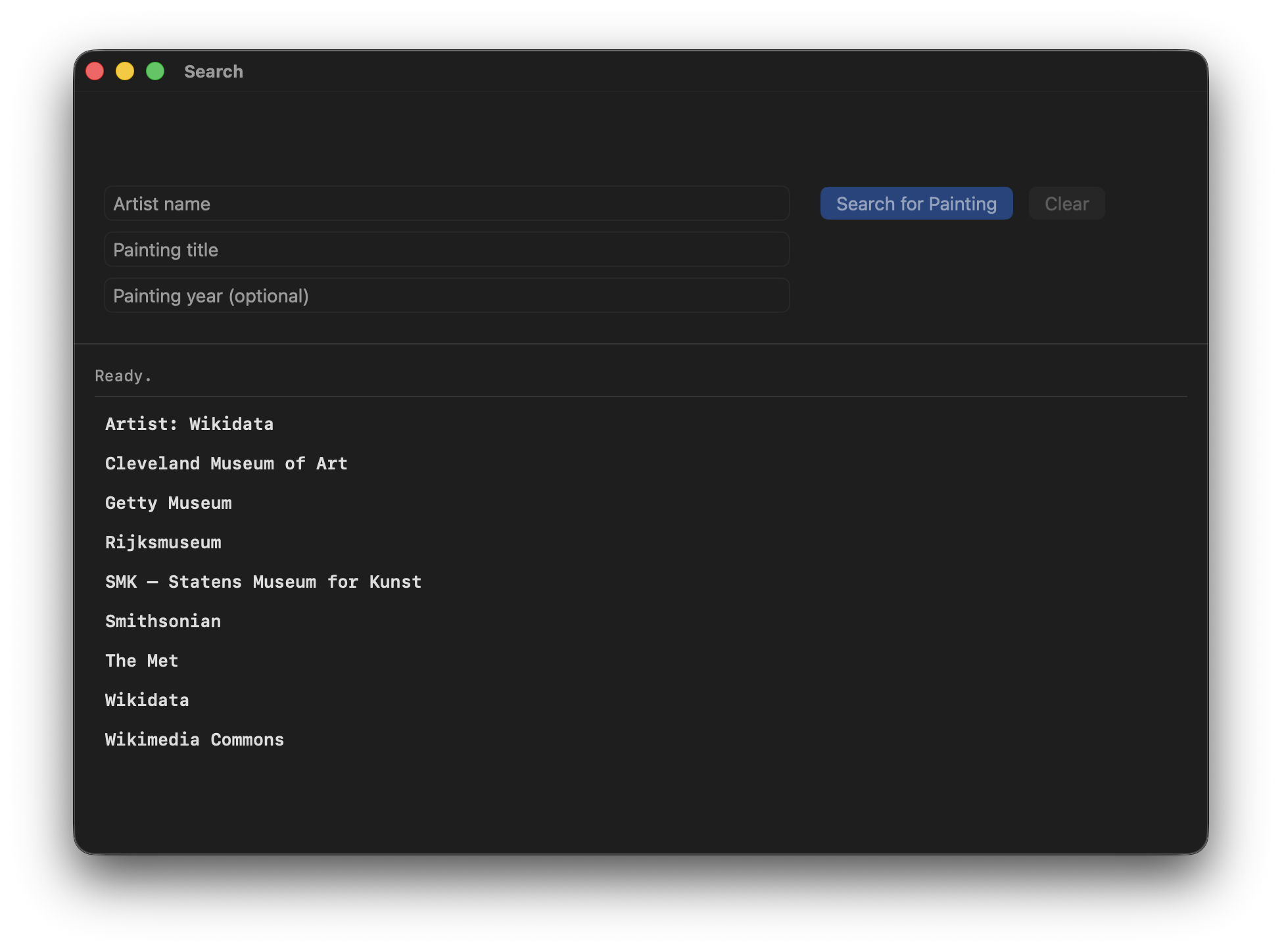
With one search you can query the Cleveland Museum of Art, The J. Paul Getty Museum, The Metropolitan Museum of Art, the Rijksmuseum, Statens Museum for Kunst (SMK), Wikidata and Wikimedia Commons. You can add the Smithsonian with a free key that you supply.
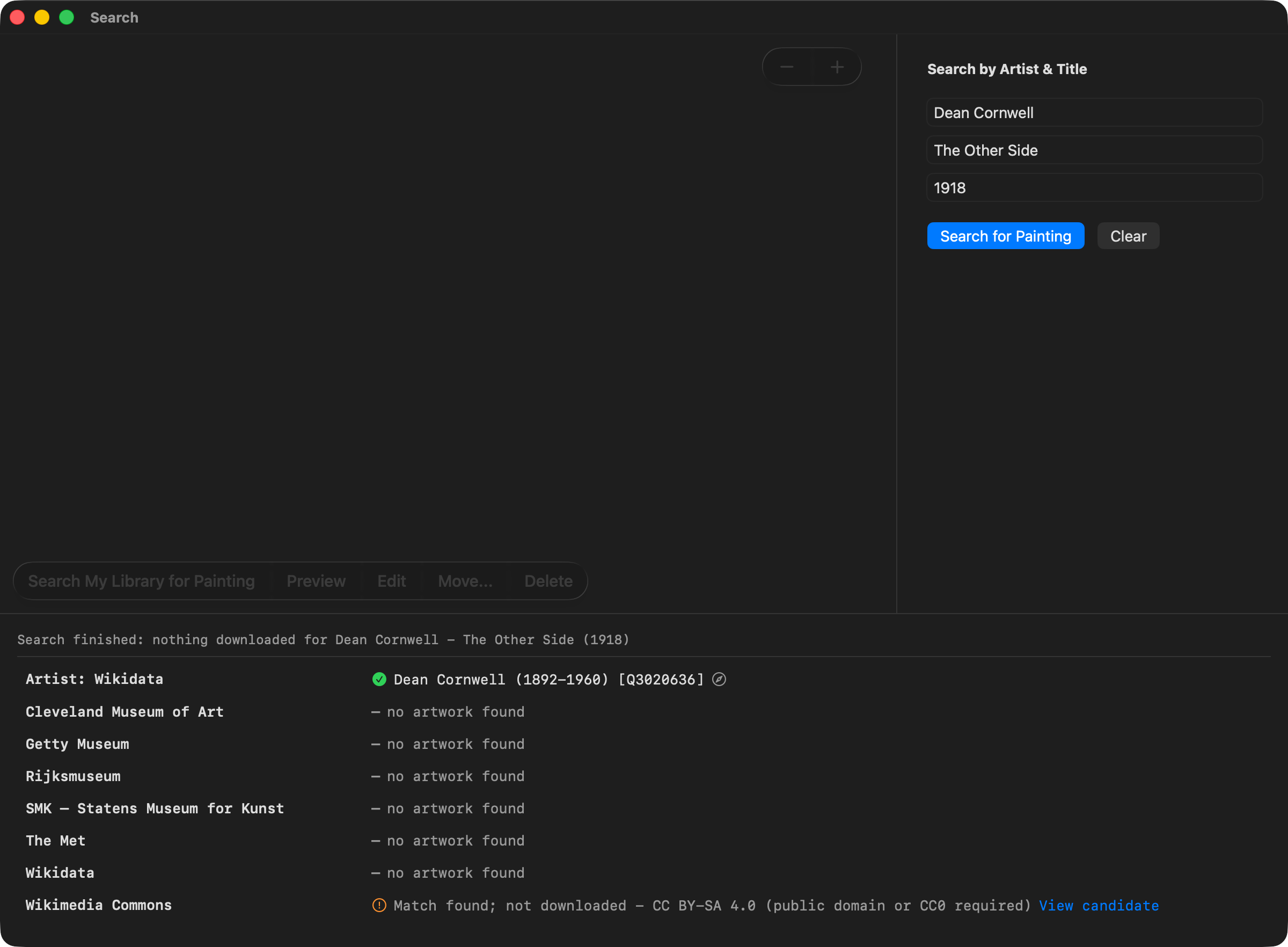
The same painting can sometimes be found in more than one collection. ArtFetcher locates the best version from each collection and shows them side by side, so you can compare and keep the best. Wikimedia Commons often holds several scans of a single painting - ArtFetcher offers you the three largest.
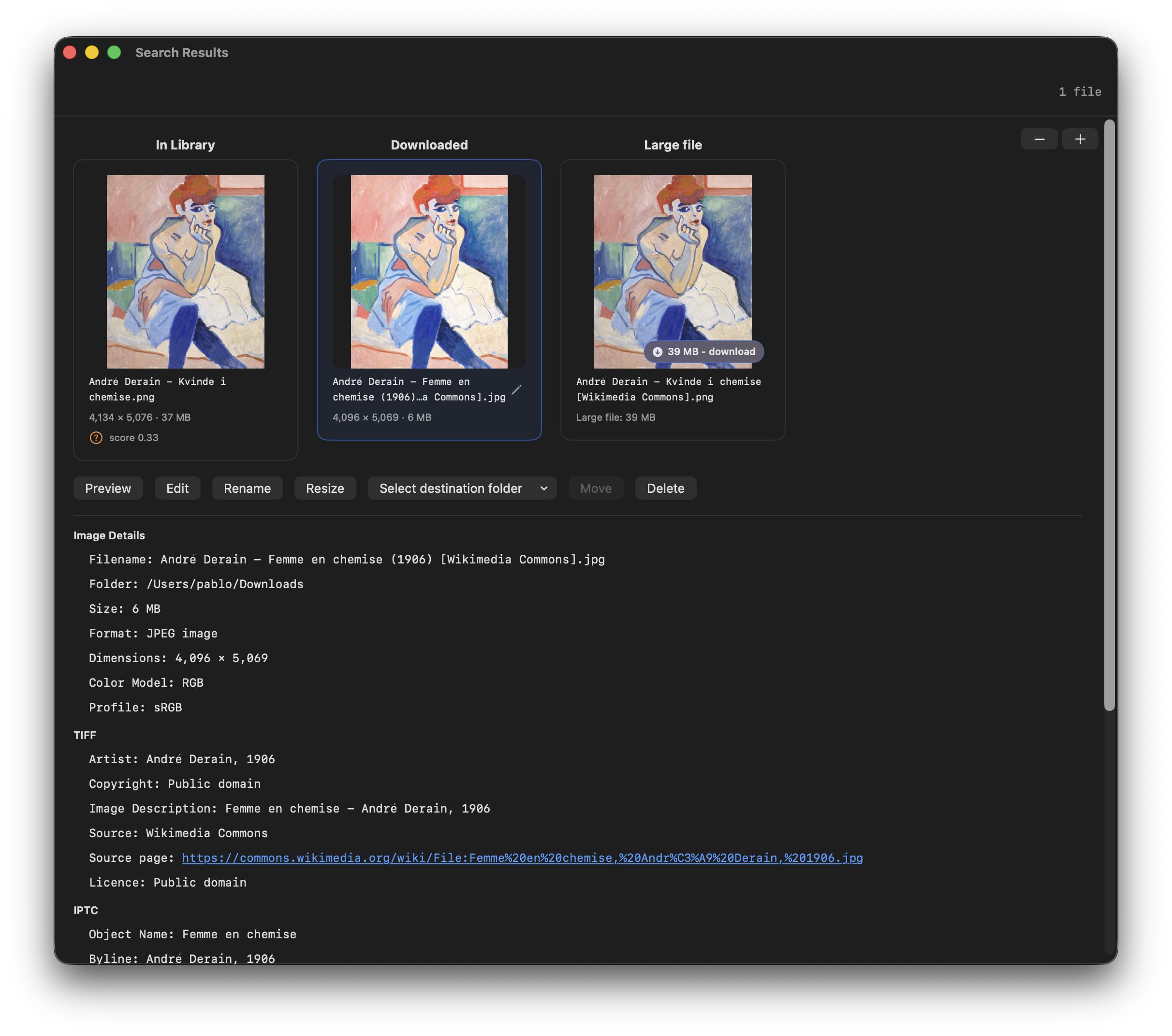
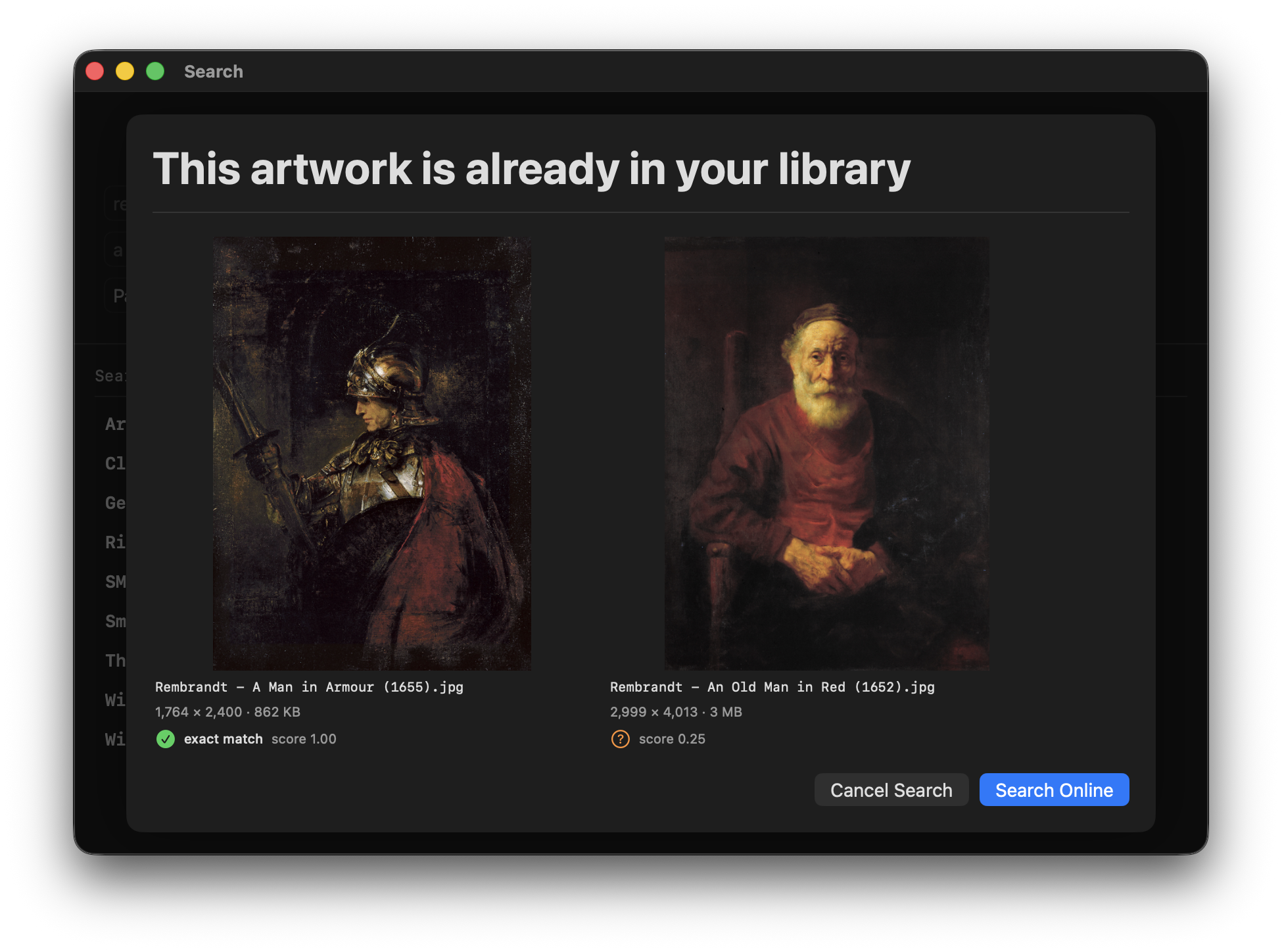
Point ArtFetcher at the folders where you already keep art. It checks them before downloading and tells you when you already own a painting. No duplicates! Keep what you want with a click.
ArtFetcher has no sign-up and no analytics, and sends nothing to its developer. Your settings and downloads stay on your Mac. See the privacy policy for exactly what is sent where.

ArtFetcher only downloads public domain or CC0 images. Images with a licence are not downloaded, even when the painting is the one you searched for. When that happens, the collection's row tells you a match was found and why it wasn't downloaded. It gives you a link straight to the file so you can read the terms and decide for yourself.
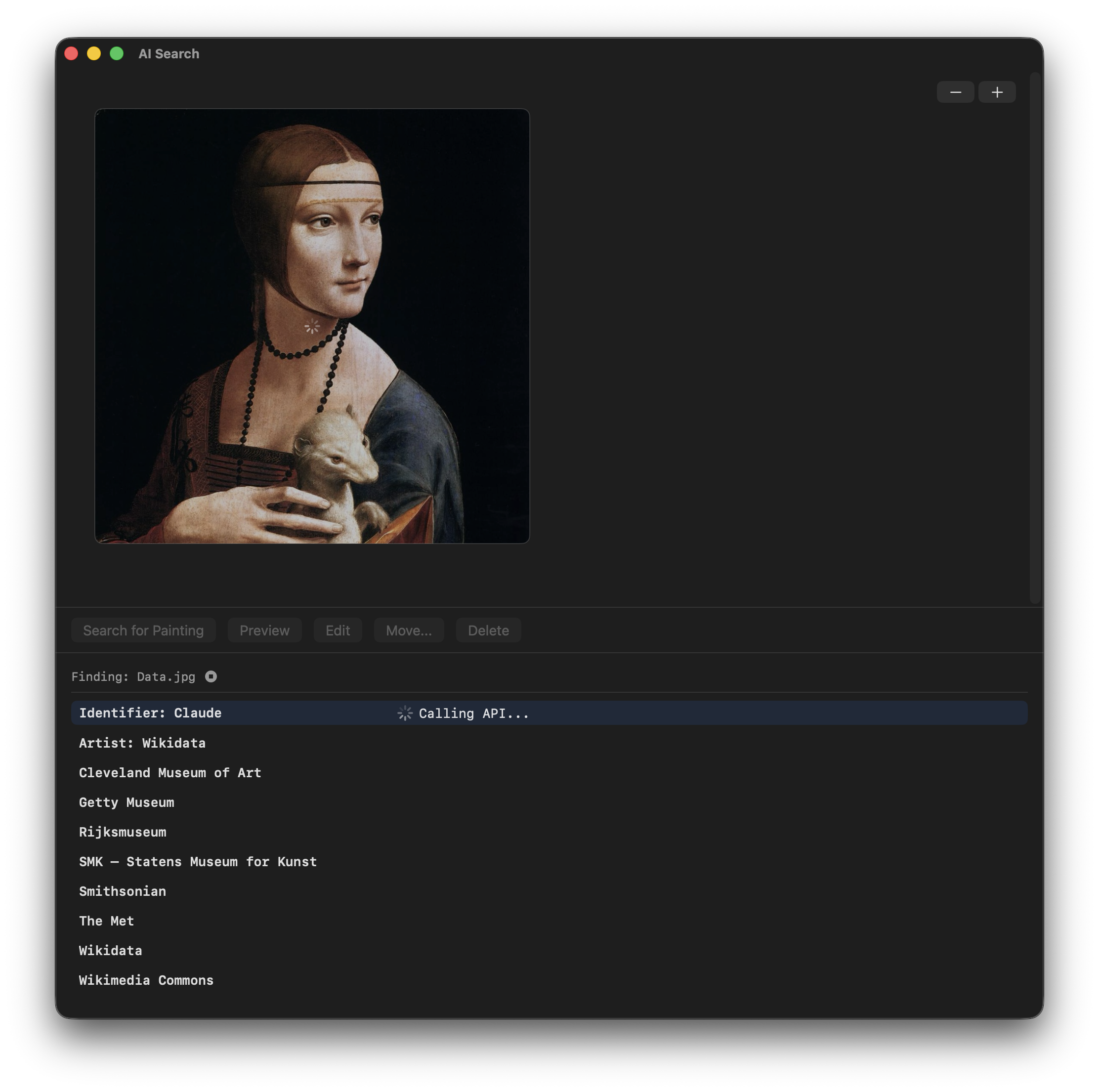
The optional AI Mode identifies an artwork from a screen capture or a dropped image.
This feature is off by default and needs an API key (you supply yourself) from Anthropic, OpenAI or Google.
Everything else in ArtFetcher works without it.
Requires macOS 26 or later.